


Workday

Workday Job Aids
These step-by-step job aids are designed to help FAMU employees complete common tasks and navigate key processes in Workday.
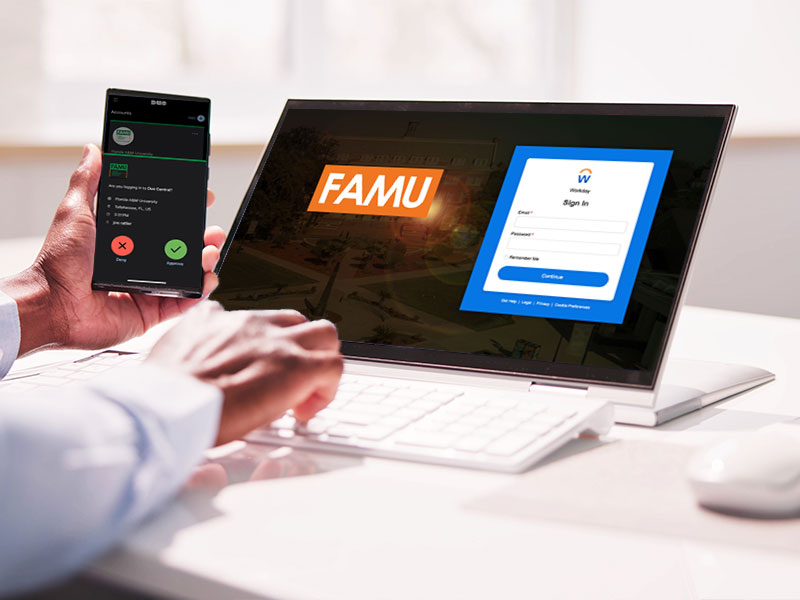



Workday Training
Learn the essentials of Workday through hands-on training covering navigation, key terminology, requisitions, P-Card procedures, and everyday self-service tasks. Participants will also learn how to manage travel and expenses, including Spend Authorizations, Expense Reports, receipts, reimbursements, and required approval processes.
Frequently Asked Questions
If you forget your password or are locked out of Workday, please contact the ITS Help Desk for assistance regaining access.
You will not be able to request leave in Workday until your leave balances are available
on Wednesday, September 16.
Employees will submit time-off requests and, where applicable, track worked time directly
in Workday's self-service tools. This is covered step-by-step in the Employee Self-Service
training and in the job aid “Reviewing and Approving Time.”
Leave balances will be available on Wednesday, September 16.
No. Your pay schedule and pay method will remain the same as they are today. Workday changes the system you use to manage your payroll information, but it does not change when or how you are paid.
Log in to Workday after go-live and check your payment elections under the Pay app to confirm your direct deposit information carried over correctly. If anything looks incorrect, update it in Workday directly.
Why Workday?
Workday will give FAMU a more modern, efficient, and integrated way to manage Human Resources and Financial operations.
It will help FAMU:
-
Reduce manual and paper-based processes
-
Improve access to real-time information
-
Streamline administrative tasks
-
Enhance the employee and manager experience
-
Support future growth and organizational change
How FAMU Will Use Workday
Workday will support two primary areas:
-
Human Capital Management (HCM): Staffing, time off, benefits, compensation, payroll, and employee self-service
-
Financial Management: Accounting, reporting, suppliers, expenses, and other financial processes
What Workday Means for You
Employees
Employees will be able to use Workday to:
-
View pay stubs
-
Manage direct deposit
-
Update personal information
-
Request time off
-
Manage benefits
-
Track time, when applicable
Managers
Managers will be able to:
-
View team information
-
Approve time and time-off requests
-
Access reports
-
Manage job changes and employee actions
Timeline & Training
September 11, 2026
HCM and Payroll are live.
October 1, 2026
Financial Management is live.
Training, job aids, FAQs, and ongoing support are available now.