


Test Page Here
This is a paragraph describing our different departments and programs. It is an opportunity to showcase the breadth of opportunities. This is a paragraph describing our different departments and programs. It is an opportunity to showcase the breadth of opportunities. This is a paragraph describing our different departments and programs.
|
|
Announcement 📢 |
|
|
|
This is a cool topic. ↓ LEARN MORE ↓ |
|
Helpdesk Ticket System: How Tos and FAQs
Your go-to destination for quick, reliable, and hassle-free support.
- Submit support requests (tickets) to IT Services.
- Track the status of your request.
- Browse known issues, FAQs, or solution articles.
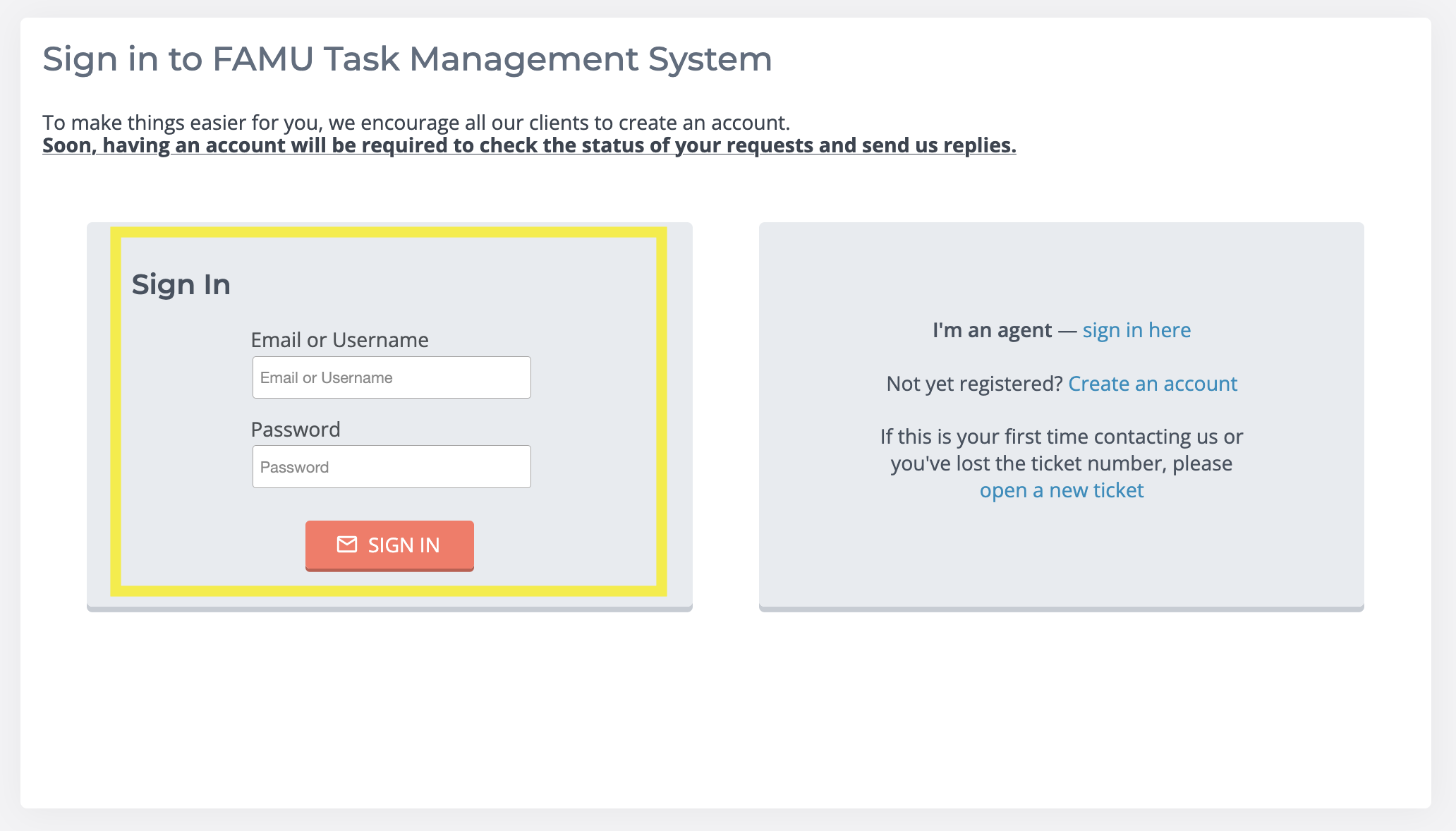
To sign in, enter your username and password.
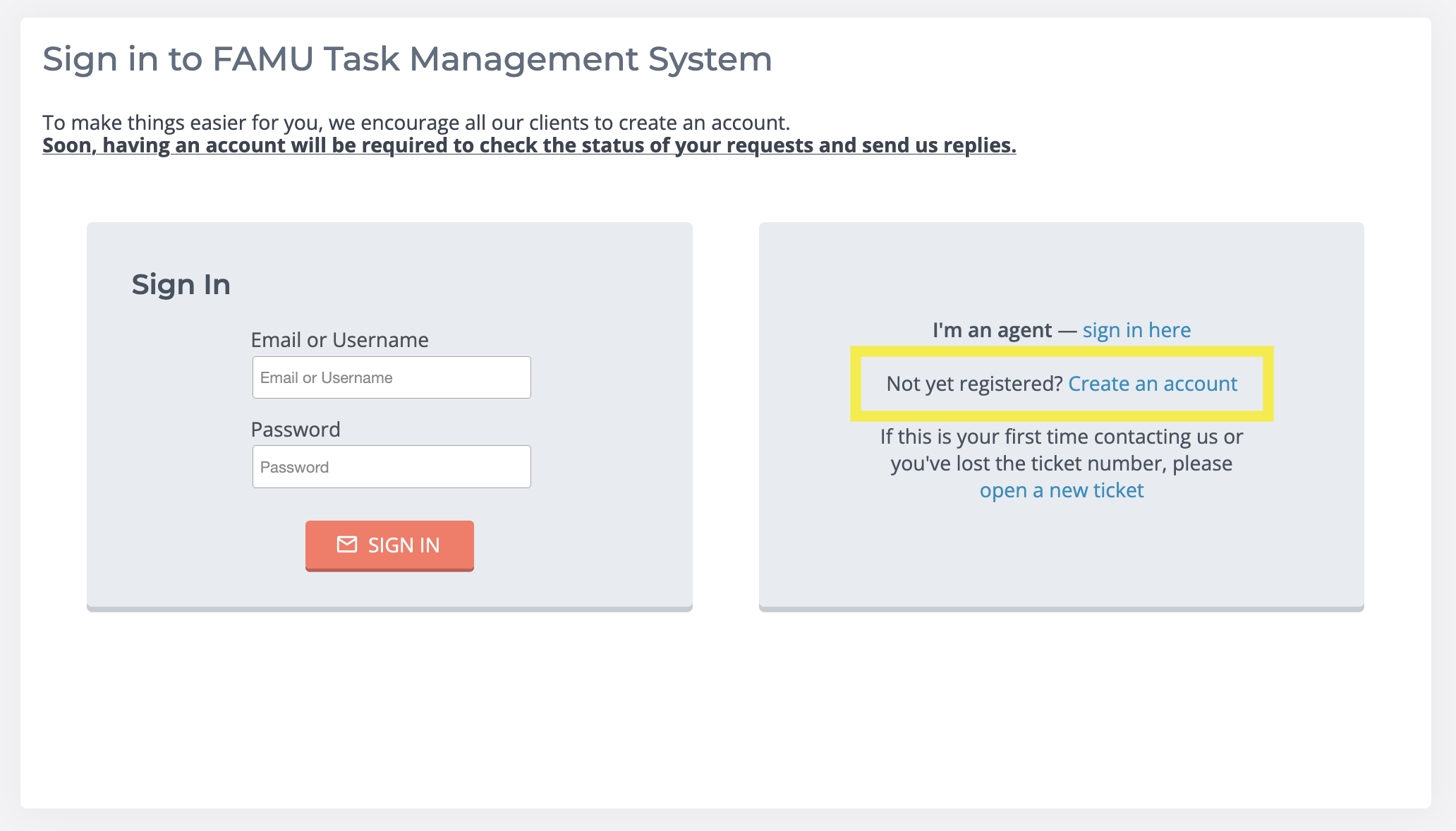
To create an account, click "Create an Account" on the main screen.
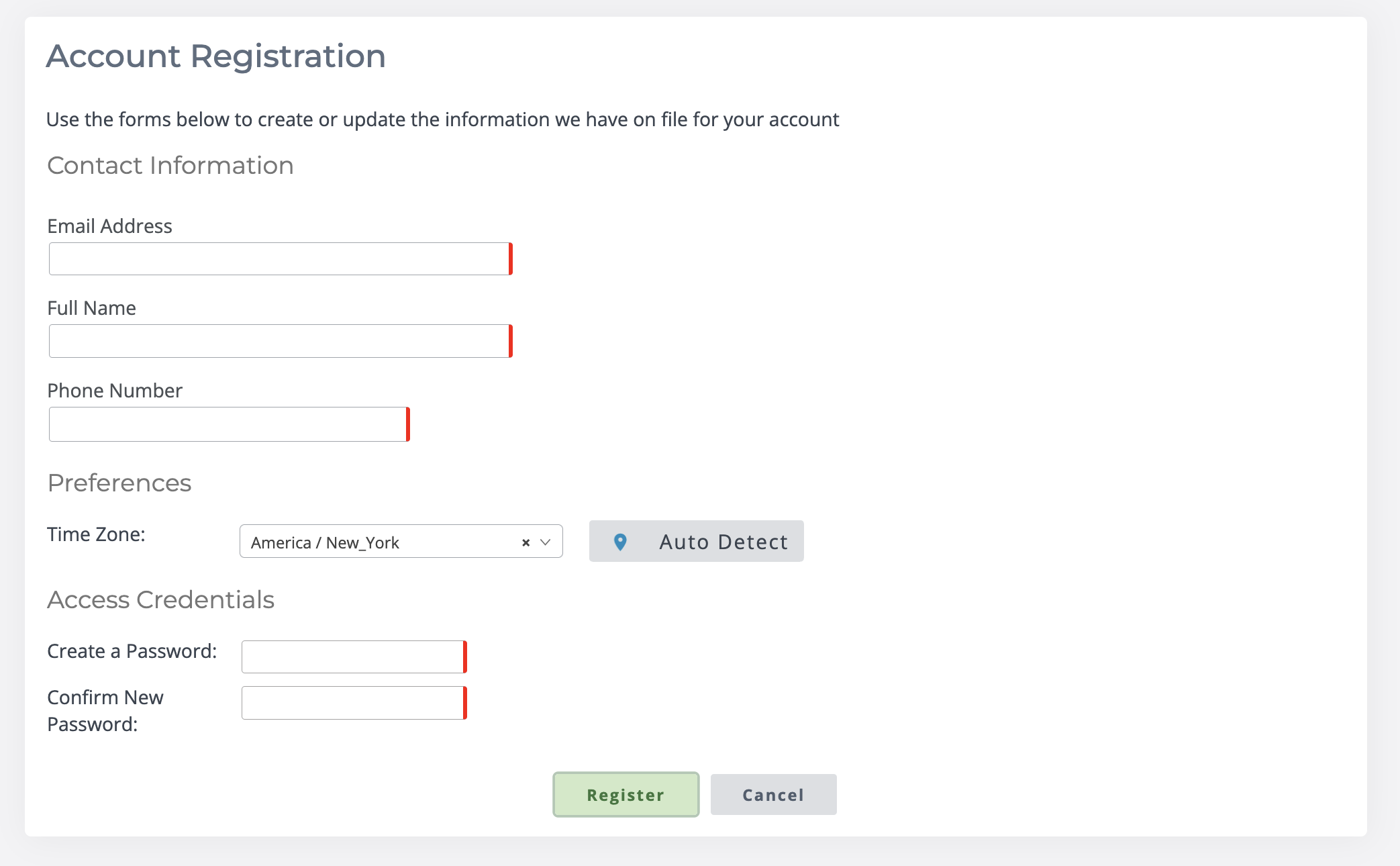
Fill out account details:
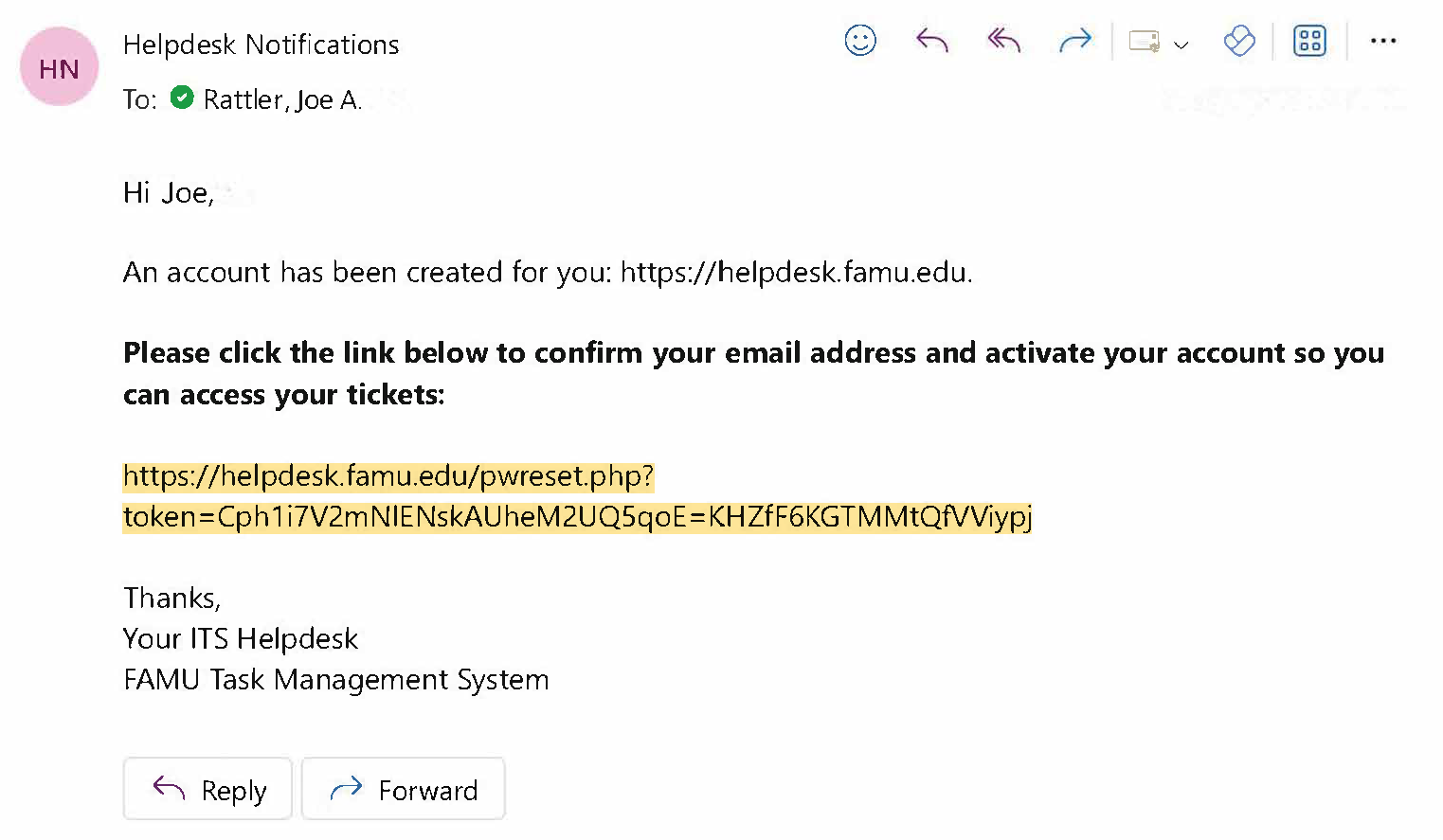
Confirm account creation from email:
There are multiple ways to open a new ticket.
Click on the button "Open a New Ticket" on the main menu screen.
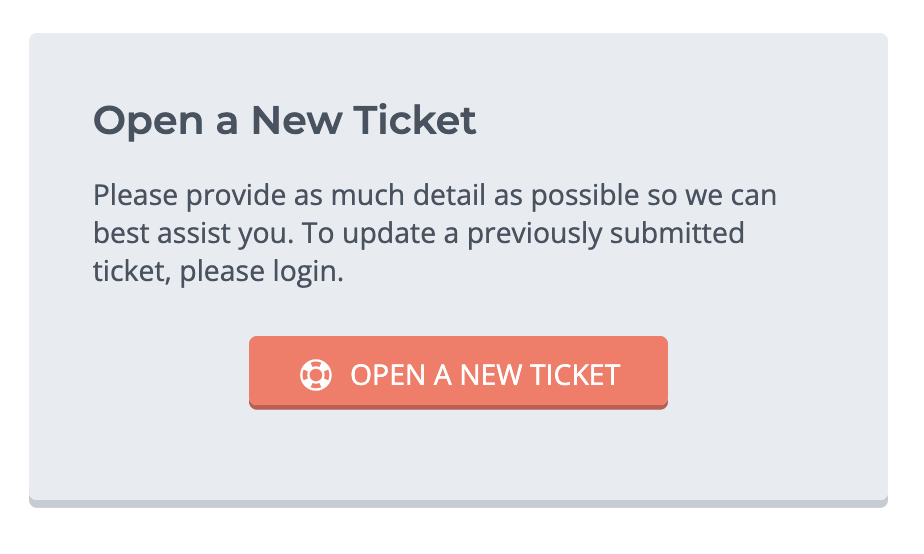
Click on the button "Open a New Ticket" in the navigation bar.

Please provide as much detail as possible so we can best assist you.
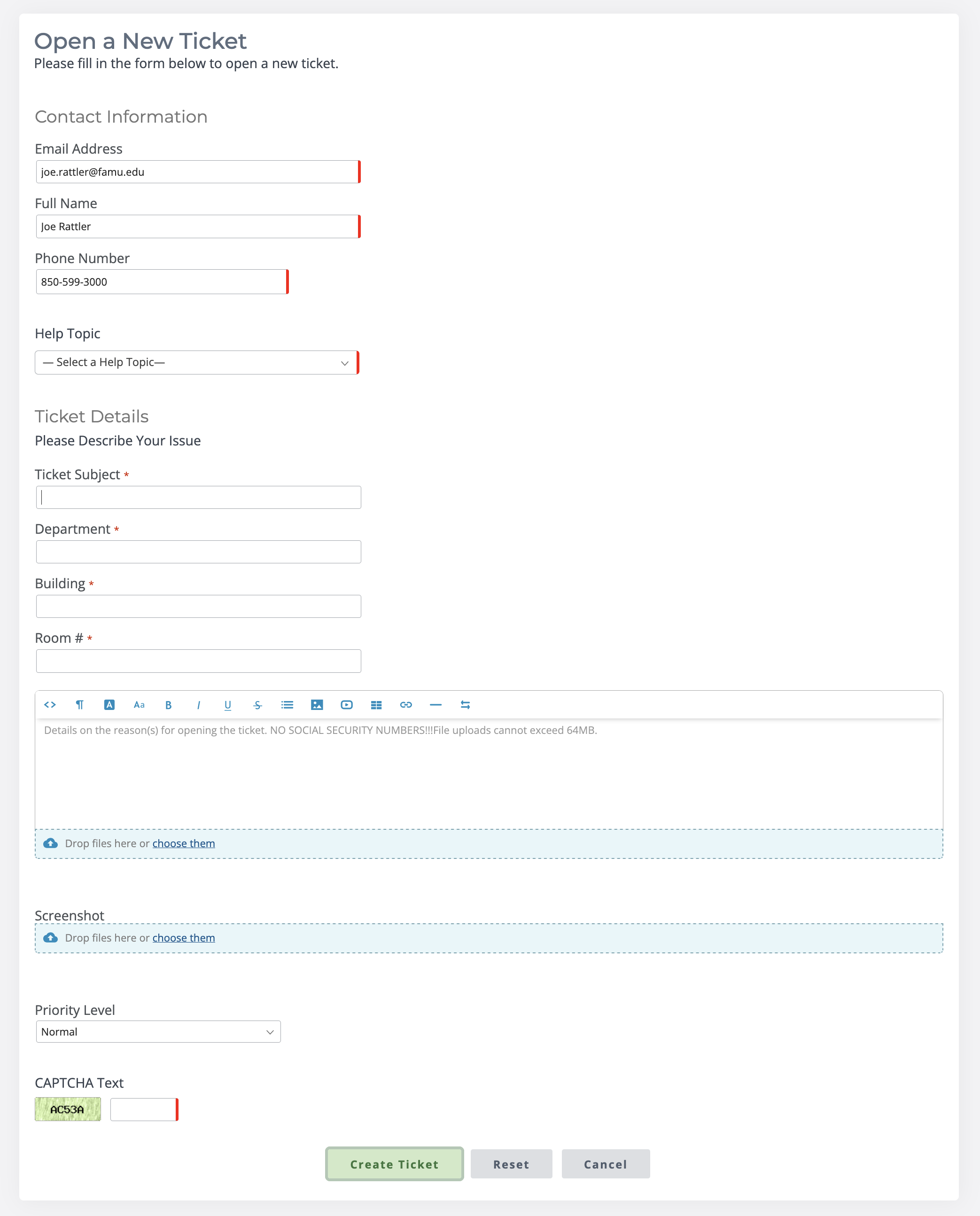
Make sure to select the appropriate help topic so the request is sent to the correct team.

Adobe Access – Provides licensed access to Adobe software such as Acrobat or Creative Cloud for university users.
Campus Solutions - iRattler – The student information system for managing enrollment, classes, grades, and related services.
Canvas – The online learning management system (LMS) used to deliver courses, assignments, and communications.
Desktop Password Reset – A process for resetting or recovering login credentials on a university desktop computer.
Device Disposal/Surplus Request – A request to securely retire, wipe, and recycle or surplus university-owned IT equipment.
DUO Authentication – A two-factor authentication system used to secure logins to university accounts.
Email Access – The ability to log in to and use the official university email system.
Email Account Creation – Setting up a new university email account for a student, faculty, or staff member.
Email Issues – Troubleshooting problems such as login failures, delivery errors, or missing messages.
Financials - iRattler – The module of iRattler used for university accounting, budgets, and financial transactions.
Hardware – Physical IT equipment such as computers, laptops, servers, and accessories.
HCM - iRattler – The Human Capital Management system in iRattler used for HR, payroll, and employee data.
Image Now – A document management system for storing, retrieving, and routing digital records.
Image Now Installation – The setup and configuration of Image Now software on a user’s computer.
Institutional Research Request/Analytics & Reporting – Data reporting and analysis services to support decision-making and compliance.
Laptop Password Reset – Resetting login credentials for a university-issued laptop.
Network – University IT infrastructure that enables connectivity through wired and wireless systems.
New Computer Profile – Creating a new user account or configuration profile on a computer.
New Computer Setup – Preparing a desktop computer with necessary software, accounts, and configurations.
New Laptop Setup – Configuring a laptop with the required software, security, and access for university use.
Other – A category for IT requests that don’t fit into predefined service areas.
Printer – Setup, troubleshooting, or maintenance of university printers and printing services.
SFP - Student Financial Cloud – The student financial aid system used for managing tuition, billing, and aid disbursement.
SharePoint – Microsoft’s collaboration and document management platform for teams and departments.
Simple Syllabus – A cloud-based system for creating, managing, and distributing course syllabi.
Software – Licensed applications and programs supported or provided by university IT.
Software - DocuSign – An electronic signature solution for secure signing and workflow of digital documents.
Software - DropBox – A cloud storage and file sharing tool for collaboration.
Software - Remote Desktop/VPN – Tools that allow secure remote access to university computers and networks.
Software Installation – Installing and configuring applications on university devices.
Telephone – Support for university phone systems, extensions, and voicemail services.
Web Services – Support for university-hosted websites.
Wifi/Internet/Ethernet – Connectivity services for wireless, wired, and campus internet access.
Zoom Meetings – The video conferencing platform for online classes, meetings, and collaboration.
Please DO NOT reply to the
|
There are multiple ways to check a ticket status.
Click on the button "Open a New Ticket" on the main menu screen.
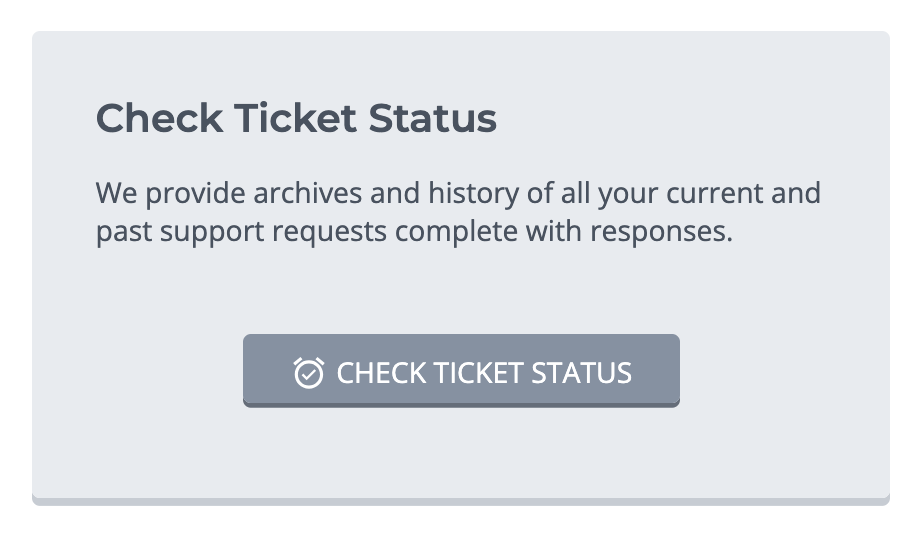
Select "Open a New Ticket" in the navigation bar.

Select the link at the bottom of your ticket confirmation email.

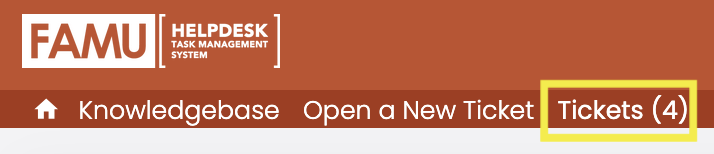
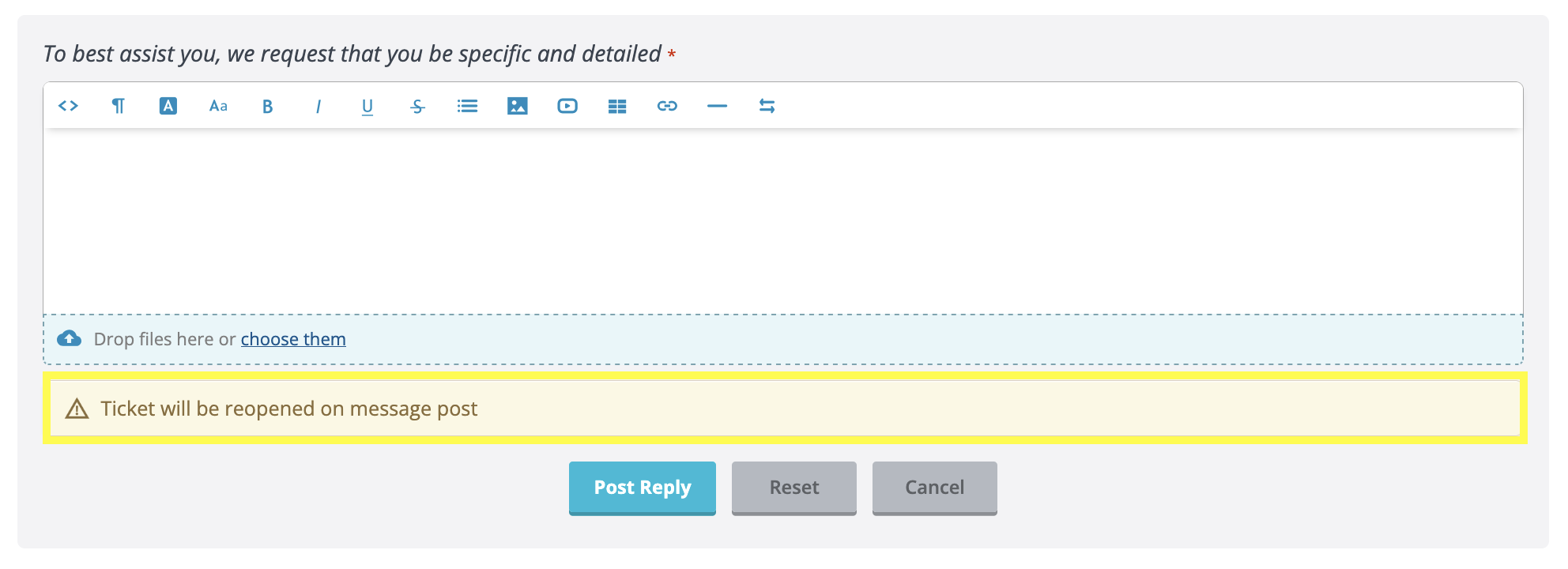
To reopen a ticket, login to your account and select "Tickets" in the navigation bar.
Select the ticket you want to reopen, and then type your message. Sending the message will reopen the ticket.
Select "Knowledgebase" in the navigation bar.
